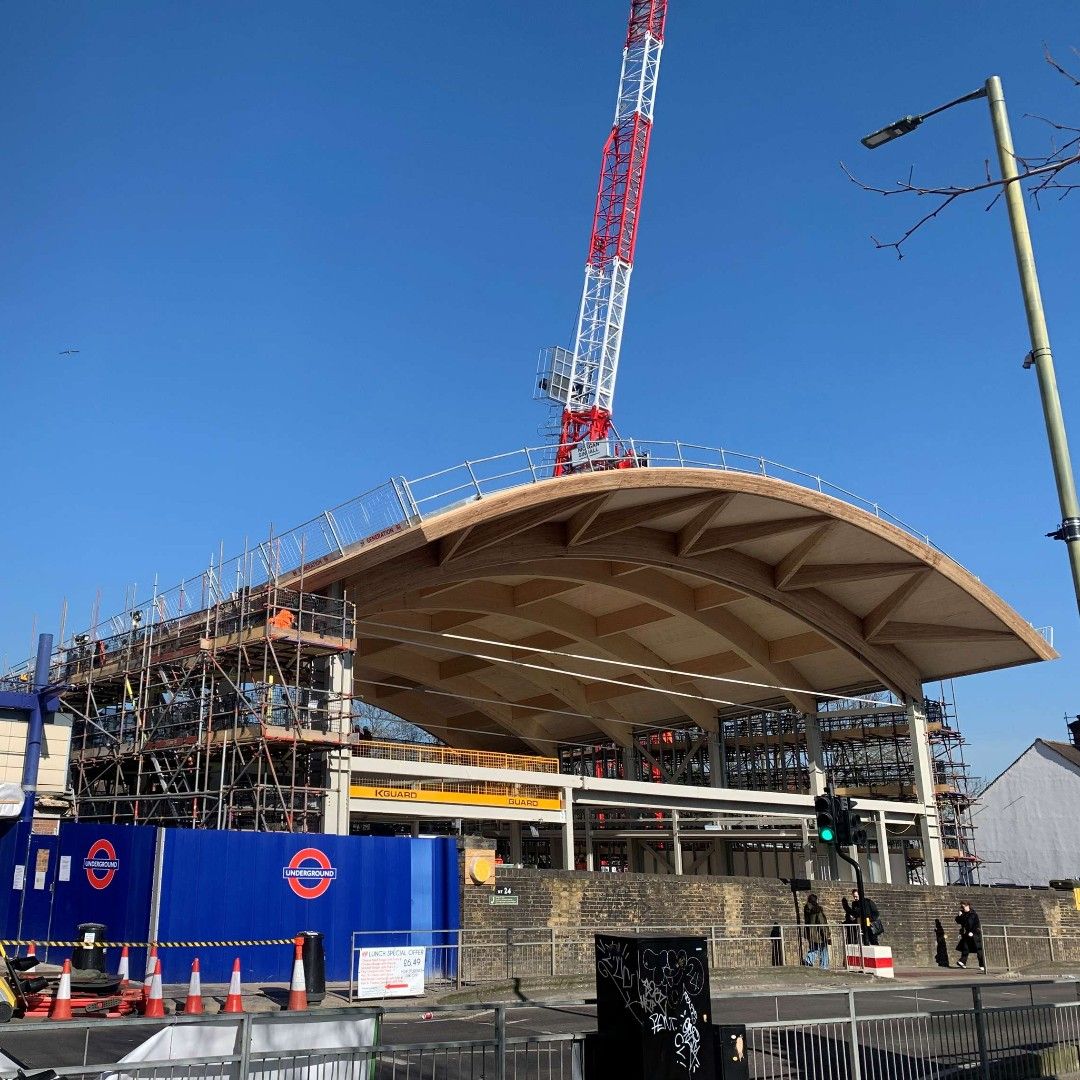
Live staging diagrams built directly from your plan
When your staging diagrams live in PowerPoint, they quickly become outdated. Aphex connects tasks to locations to keep diagrams current.
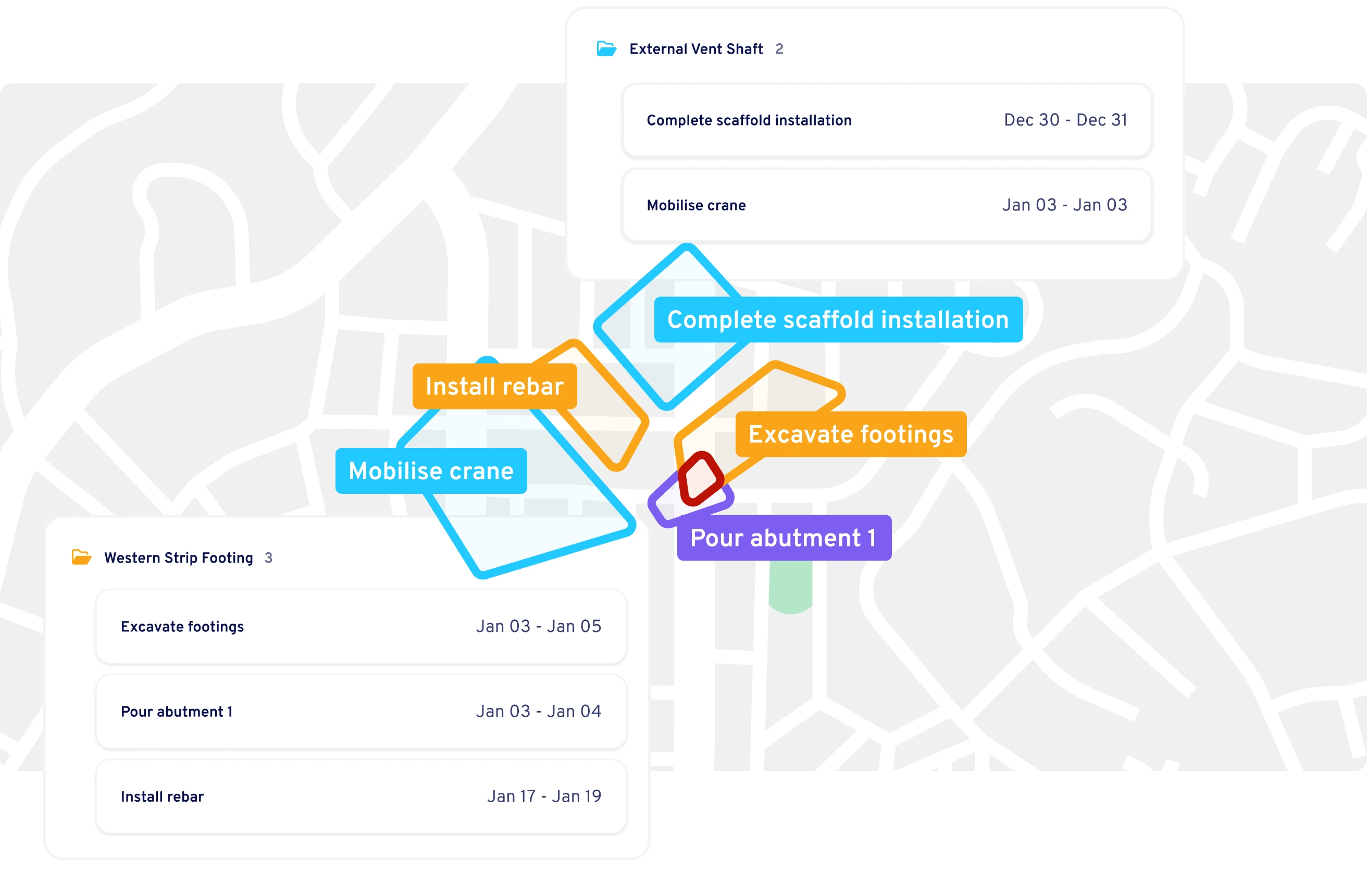







Get the full picture before you hit site
Every task has a place. As your teams plans their work, they can build live staging diagrams with a click — revealing overlaps and access conflicts.
Build staging diagrams automatically
Because every task in Aphex carries a location, staging diagrams build themselves. As plans evolve, your map updates automatically.

Spot clashes before they happen
Live diagrams reveal overlaps, access clashes, and laydown issues as soon as they appear — keeping every team coordinated before problems reach site.


Trusted by leading construction teams

Naomi Semercioglu
Senior Project Engineer, ACCIONA
The introduction of ArcGIS layers into our maps allowed me to understand better exactly where each task was happening, and any overlap with other work happening at the same time.
Naomi Semercioglu
.svg)

Nathan Lowe
Project Engineer, Symal
The map view is a vital aspect of weekly huddles, where we clash-detect the next couple of weeks of work. It prompts our engineers and supervisors to check what's happening on any given day or week to see whether the works are actually planned properly.
Nathan Lowe


Yusuf Ocal
Sub Agent at BAM Nuttall
We use Aphex for our daily briefings every day. We mark everything on the map, including road closures, deliveries, and pump installations. When we show the team the map, they can easily understand what's going on in each location.
Yusuf Ocal

Give your delivery team up to date visibility
Your team can quickly see what is planned and where their work fits, with diagrams that stay current because they are built from the live plan.
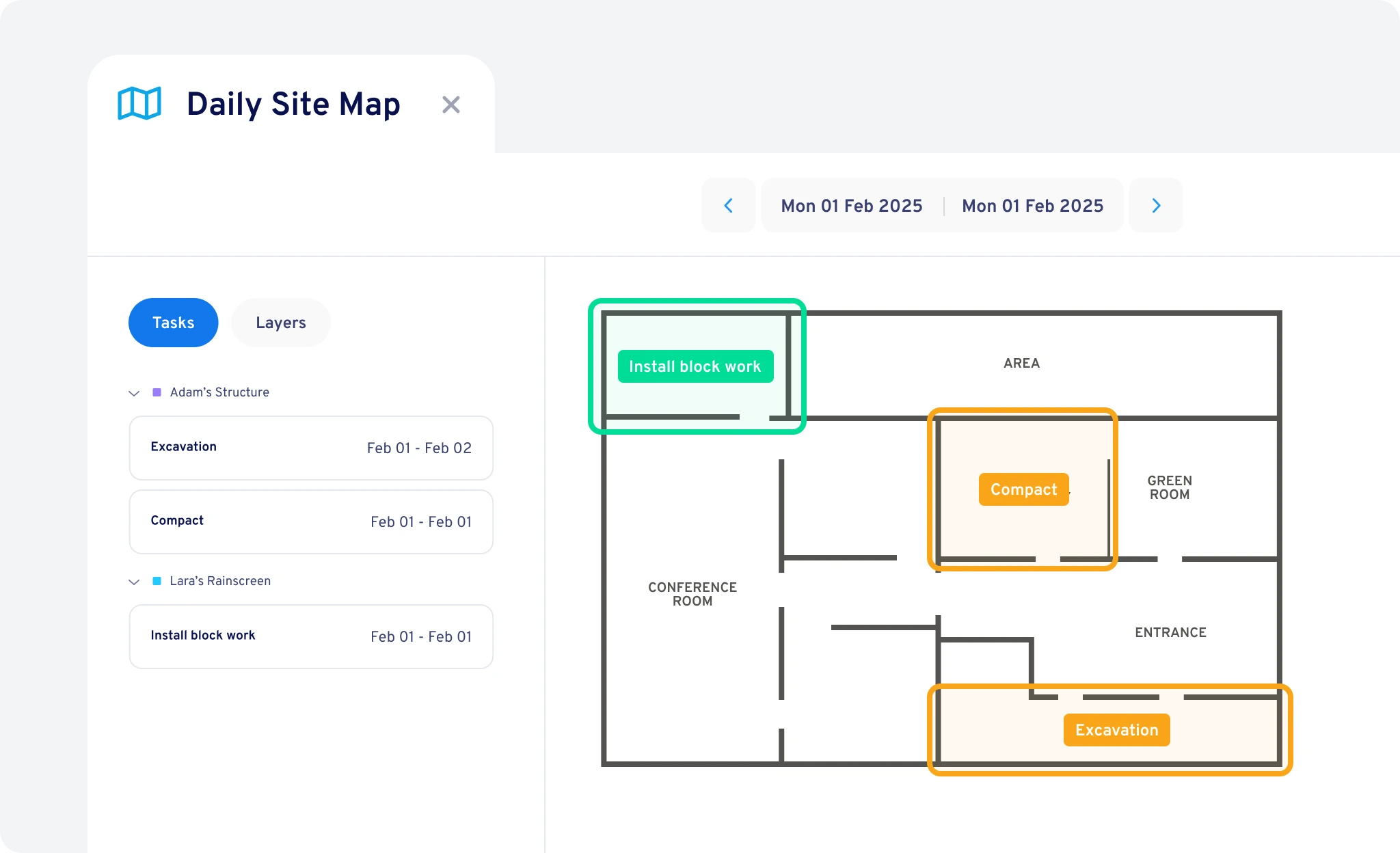
Guide coordination meetings visually
Use live staging diagrams to walk teams through upcoming work areas and surface issues in minutes.
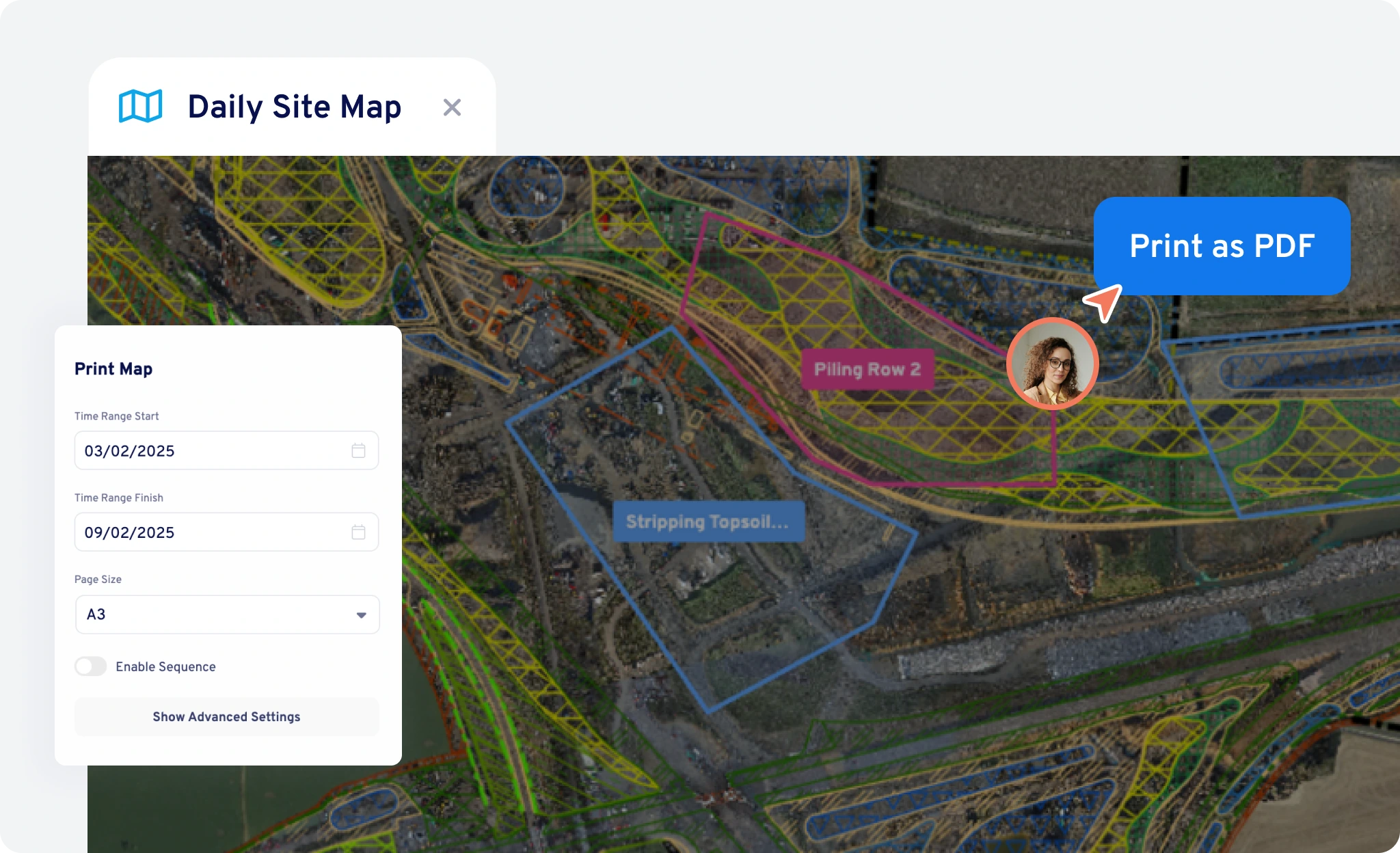
Print and share staging diagrams
Export live maps for crews or subcontractors so everyone sees what’s happening where.
Take the live plan to the field
Open Aphex on mobile to see live staging diagrams while walking site. No need to rely on out of date drawings.

One visual truth across teams
Every printout, mobile view, and meeting map comes from the same live plan, keeping everyone aligned.
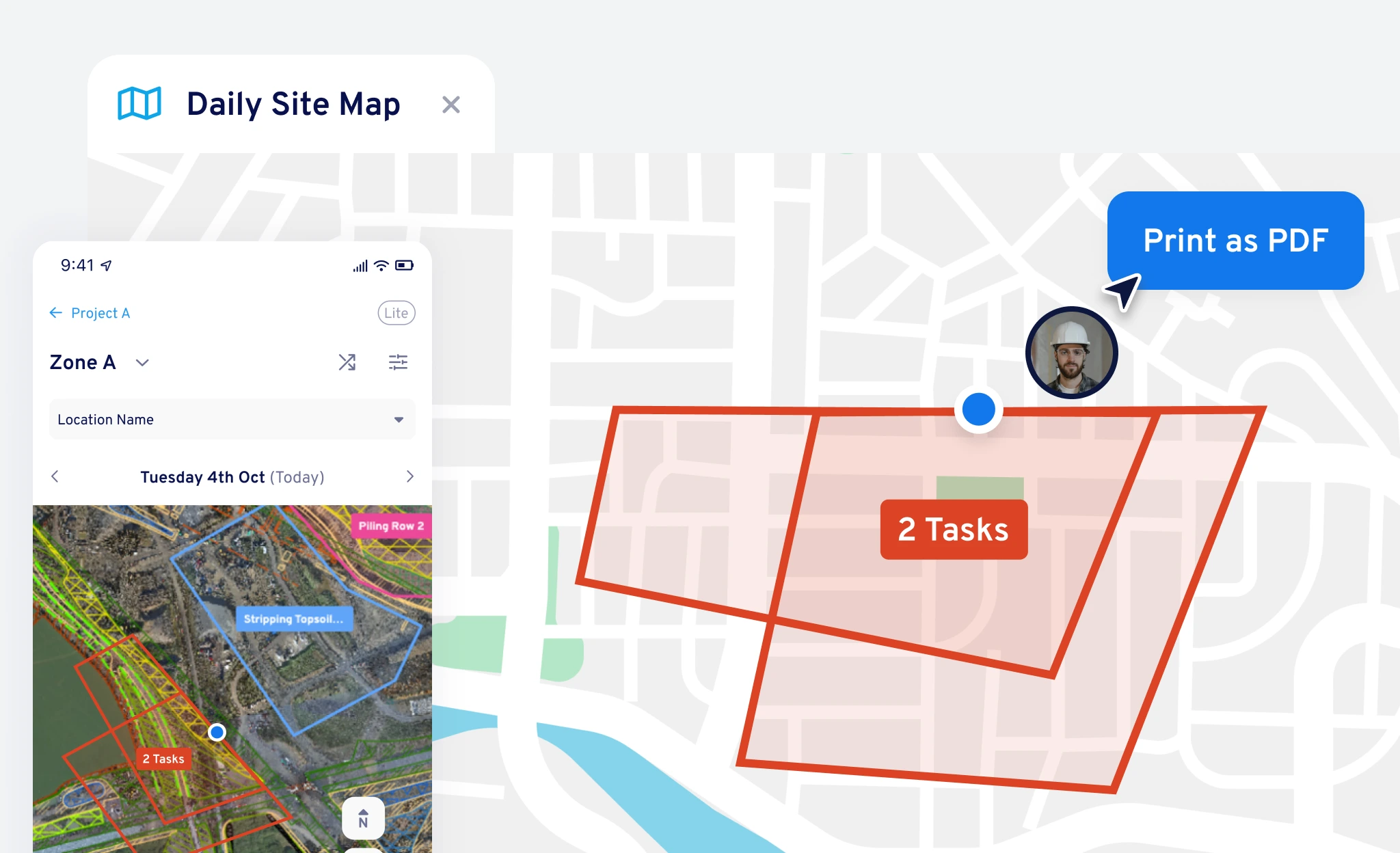
Layer real-world context onto your live plan
Add the detail that makes spatial plans powerful. Overlay drone imagery, utilities, or design data so your staging diagram reflects the real site.
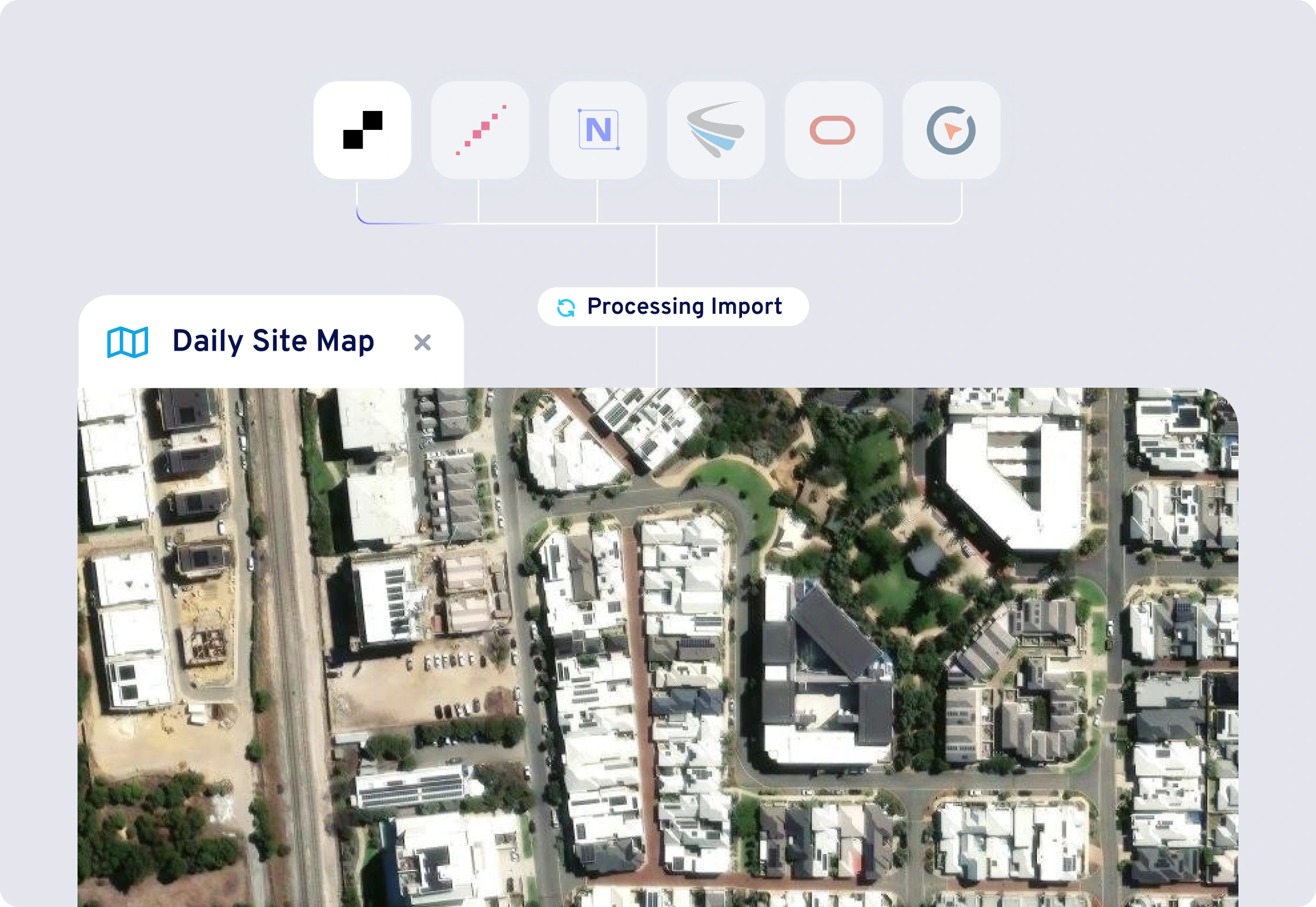
Bring site data into your plan
Connect and overlay vector and raster map data from ArcGIS, Propeller, Nearmaps, Metromaps, Pointscene, and Civillo.

Built for complex projects
From linear infrastructure to multi-storey builds, use layered views to see every level or section clearly in one connected map.