

By transforming the way we plan, Aphex has improved accountability, enhanced collaboration, and been extremely well received by our team, subcontractors, and client.


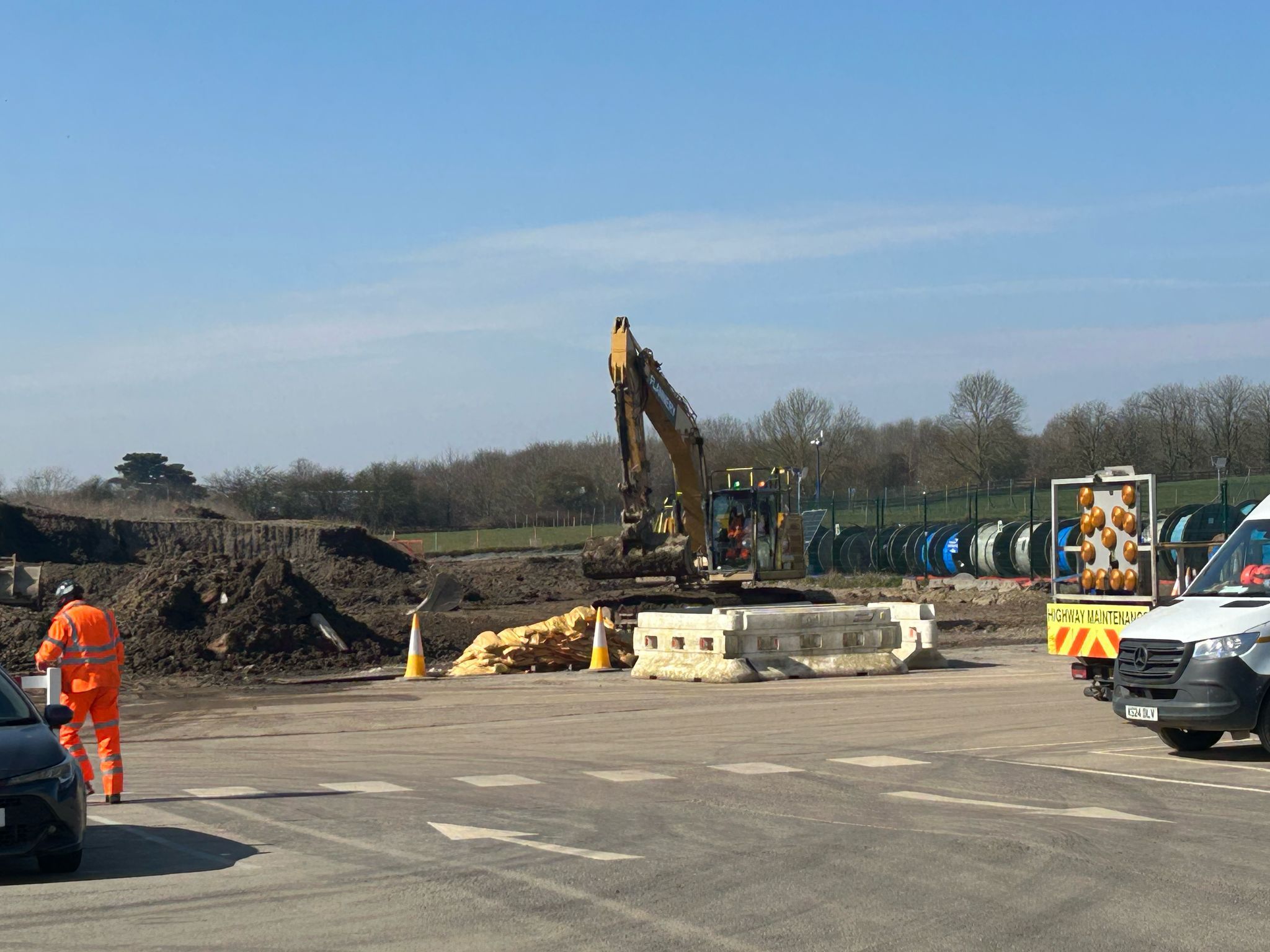
On the A417 between Gloucester and Swindon, there’s a stretch of road known as ‘the missing link’. These three miles of single-lane carriageway are prone to congestion, poor visibility and frequent accidents.
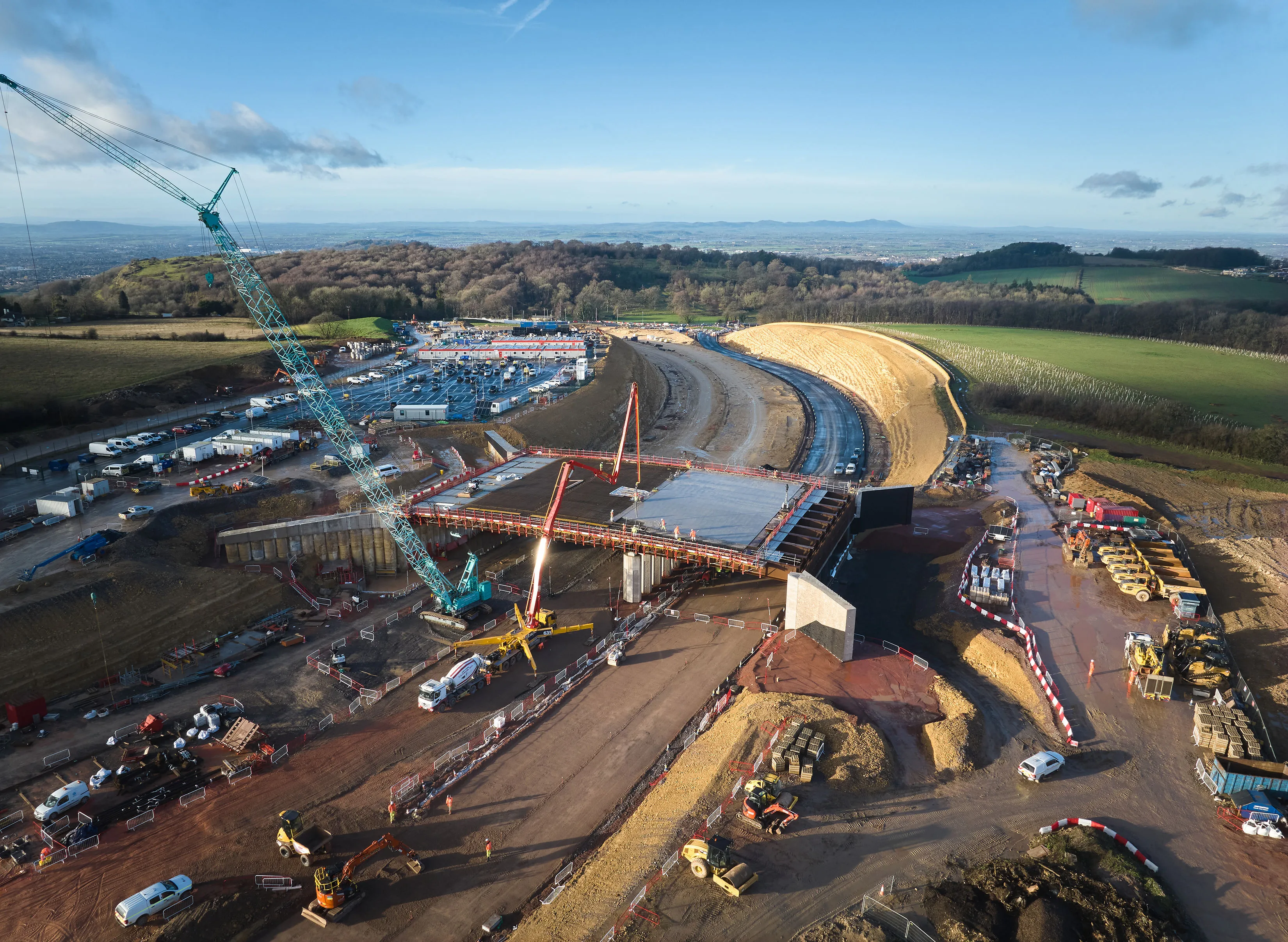
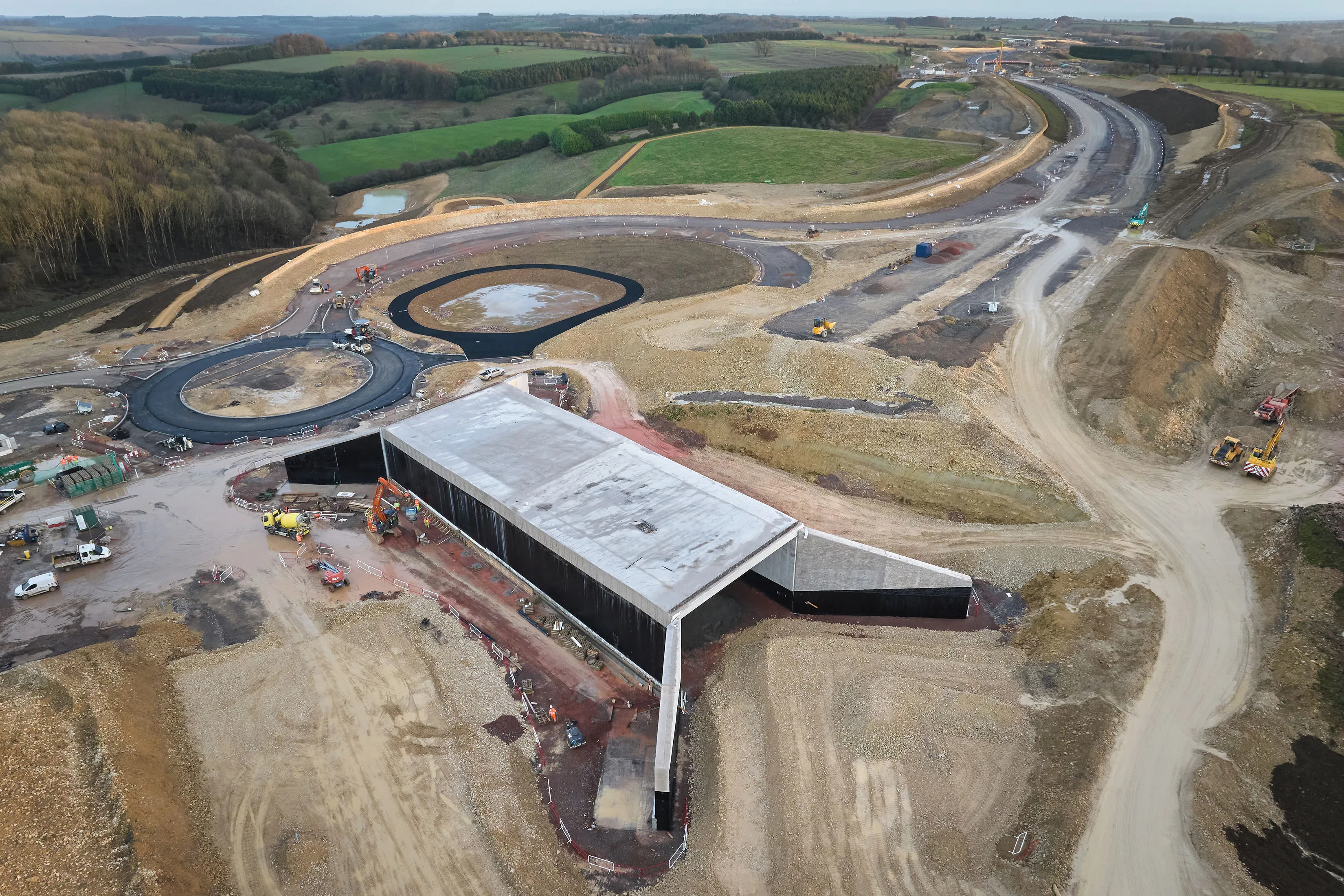
Kier Infrastructure is leading a major upgrade to connect the Missing Link, which will include new dual carriageways, new junctions, and seven new structures. It will also include repurposing an existing section of the A417 highway as a dedicated path for walkers, cyclists and horse riders.
The project requires collaboration between National Highways, design teams, various subcontractors, and local stakeholders. With the need to minimise disruption to commuters, and to preserve the Cotswold landscape it passes through, the Kier team have a large and complex task on their hands.
How do they coordinate teams on the ground while driving forward high-level strategy? To find out more, we spoke to Beth Malley, Michael O’Sullivan, and Bobbie Smith from Kier and Hill Street UK, one of Kier’s subcontractors.
The challenge of multi-level planning
Beth Malley, Agent, manages the on-site engineers for half of the earthworks and roads teams. Her main challenge was planning the week ahead in a way that both clearly allocated responsibility and tracked delays and their potential carryover effects.
Before Aphex, the weekly planning meeting was a manual process, making it hard to explain how tasks and sub-projects related to one another. It also took a lot of valuable time.
If people moved tasks around outside of meetings, it was difficult to trace responsibility for individual tasks or to figure out the effect of those delays on other parts of the project.
For Project Manager Bobbie Smith, a combination of Microsoft Project and Excel helped her coordinate higher-level strategic plans and communicate with multiple teams on the ground. Although this covered all bases, it meant there wasn’t a single source of truth that everyone could refer to.
Prior to Aphex, we had different people keeping track of their own work. We didn't have an overarching file or chart that it was kept on, other than our major planning tools. The plan wasn't something that floated down to the site engineers and the section engineers who now use Aphex on a day-to-day basis.
Bobbie Smith, Project Manager, Kier
Increased accountability and improved tracking
To improve collaborative planning on the project, the team brought in Aphex. For both Beth and Bobbie, Aphex made it easier to track what was changing in their short-term plans, who made the changes, and why.
As Beth explains, “When anything gets moved around, there's always a reason. There's always justification. It's there and plain for everyone to see, so we can work around it.”
In Beth’s monthly planning meetings, there’s often work that can’t be released to a new contractor until another team has completed the task. When these conversations are happening around her, Beth can have Aphex open to check on recent progress from the relevant subcontractors.
“I can be feeding that into those meetings, which is really, really helpful: that you've got a live tool that is being updated regularly.”
Bobbie agrees. With Aphex, she can view what her teams are working on directly, bring up other teams’ tasks to see what subcontractors are working on, and see how everyone’s work relates to one another.
Having full visibility of the plan is essential to meeting deadlines and achieving key milestones. Aphex sits at the heart of our planning and reporting cycle, ensuring every activity is monitored and assigned to the right team member.
Michael O’Sullivan, Senior Planner, Kier
More information, faster
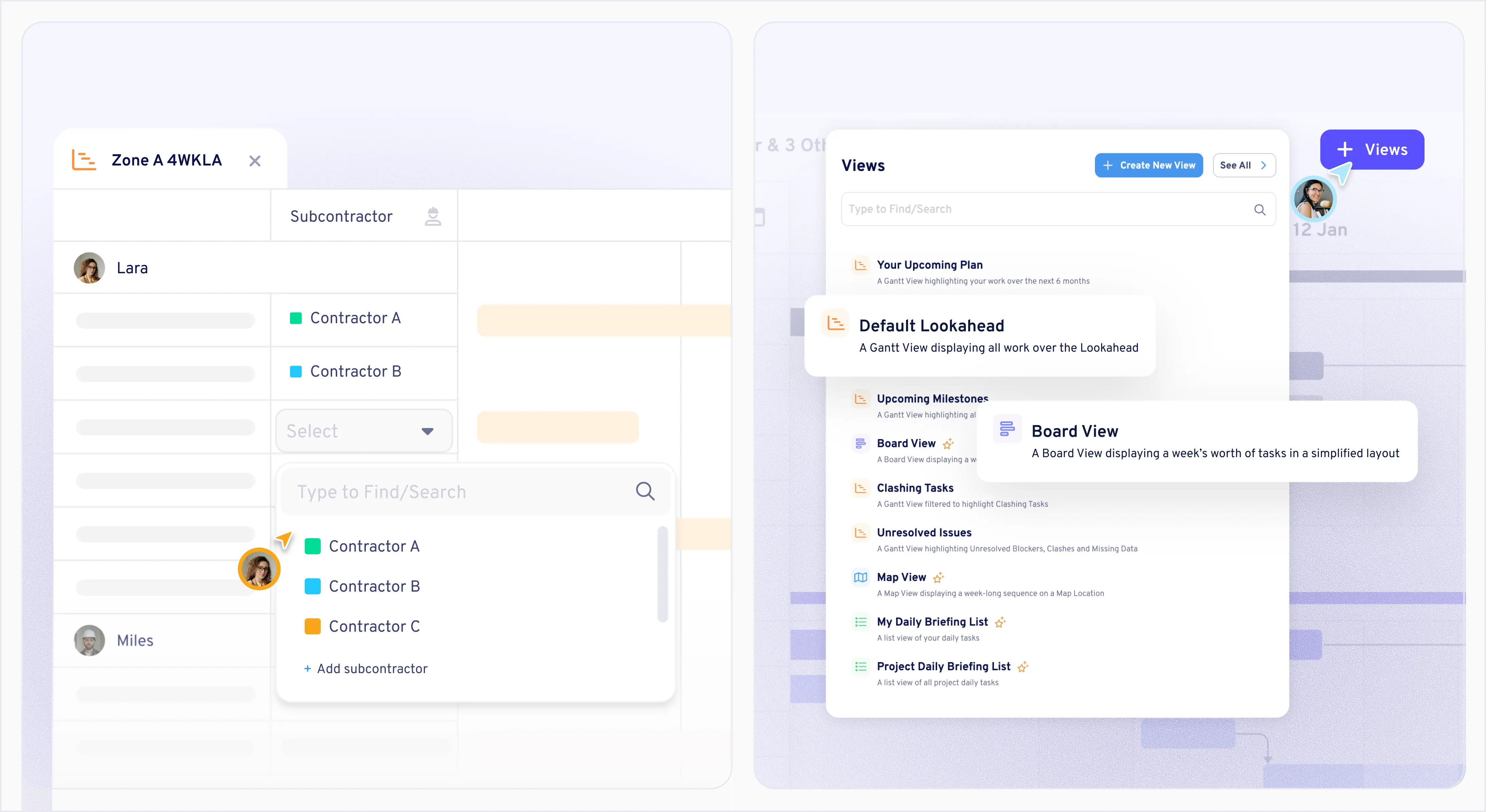
Because Beth and Bobbie work across both higher-level planning and on-the-ground coordination, one of the most useful parts of Aphex is Views.
Unlike Excel or Projects, Aphex allows users to create unlimited custom views of the underlying plan. This makes it easier to display what’s relevant to specific teams and subcontractors—and to report to stakeholders.
As Bobbie says, “If I change something in Aphex, it’s not going to affect anyone else's view, which it would in Excel.”
Beth agrees, saying that, “The output and functionality of our old processes didn't give us anywhere near as much information as we now have in a much shorter period of time. If anyone's got a delay in progress or there's been an issue that week, you can very easily and very quickly use Aphex see what that does to the timeline. Just having that information at your fingertips is so helpful in any meeting.”
The insights Aphex provides feed directly into our project controls and weekly collaborative planning sessions, where delays are reviewed, and mitigations are agreed with the whole team. By transforming the way we plan, Aphex has improved accountability, enhanced collaboration, and been extremely well received by our team, subcontractors, and client.
Michael O’Sullivan, Senior Planner, Kier
New workflows
With Aphex, Bobbie and Beth have developed new workflows that give more time to on-site activities and less to planning.
As Project Manager, Bobbie receives tasks from team members—installing 500 metres of pipe, for example—and then breaks it down into outputs, durations and other constituent tasks
Because most of the site team doesn’t have access to computers, she receives updates from managers on the ground and enters details into Aphex. Then, she can provide detailed updates to their client National Highways, explaining what they’re doing and finding readily accessible reasons for any delays.
As Beth tells us, in the past, there wasn’t a single source of truth for the short-range plan, outside of the Master Schedule. With Aphex, site engineers and section engineers have immediate access to an up-to-date plan.
I have Aphex open every day, all the time. I'm always using it to see where we are. The meetings that used to take half a day now take closer to ninety minutes.
Beth Malley, Agent, Kier
Getting the team onboard
Both Beth and Bobbie emphasised the importance of getting everyone involved with inputting tasks into Aphex and using it actively.
Beth’s advice to other teams introducing Aphex for the first time was to “make sure you get everyone to jump in wholeheartedly.”
Bobbie praises Aphex’s Customer Success and Experience teams for helping to onboard the team early on. When Bobbie started using Aphex, she had “question after question.” The Live Chat support function meant she could contact a member of the team directly and quickly get all the information she needed when she needed it.
Aphex is one of the easiest systems I’ve ever used. Once you know how it works, which is relatively easy to get your head around, it's so easy to just pick up and get in what you need.
Bobbie Smith, Project Manager, Kier
Bridging the missing link
From day-to-day project delivery to big-picture reporting, Aphex has helped the A417 team reduce meetings, harmonise workflows, and easily track responsibility. It’s a tool Beth is keen to bring to her next project.
And it’s not just saving time and Post-it notes. For Beth, the visibility and interrelatedness of tasks, calendars and processes have brought teams together with a better sense of their collective goals.
“It's that real understanding that everyone's not isolated in their own pieces of work, and we're all intertwined in one end goal.”
The second I change a task in Aphex, it's changed for everyone. It's one thing that everyone's working off. Aphex frees up a lot of time. Not only are the timelines and responsibility clearer, but the whole process is so much faster and so much easier.
Beth Malley, Agent, Kier

Heading
Lorem ipsum dolor sit amet, consectetur adipiscing elit. Suspendisse varius Duis cursus,

.webp)